
Get Help with SNAP Benefits

You are here
8 Locations
Get Help with SNAP Benefits — Instructions
Understanding Location Types
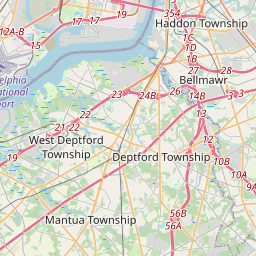
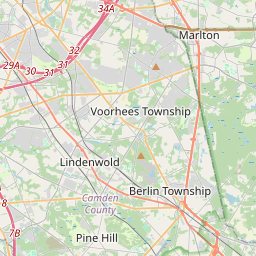
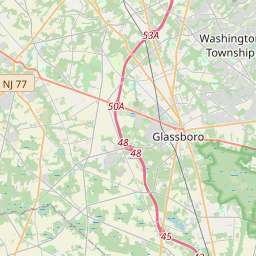
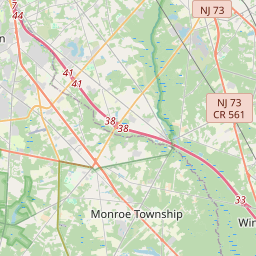
The map shows SNAP Navigator Agencies where you can get help applying for SNAP benefits and learn about eligibility.
Navigating the Map
- Drag the map to pan and explore different areas
- Tap the Zip code button to enter your zip code and search your area
- Tap any of the filters at the top to show only locations that match that filter
- Tap any marker to see location details (hours, phone, address)
- On the details page you can select the location and it will pin to the top of the list
- Use "Re-center Map" button to return to the original location
How the List Works
- Tap a location in the list to highlight it on the map
- Tap the Star icon (☆) = Add to your pinned list
- Filled star (★) = Already on your list
- Pinned locations stay at the top of the list
Share Your List
Once you've added locations to your list, you can send it to your phone in two ways:
- Email List - Enter your email to receive a link with all your saved locations
- QR Code - Scan the QR code with your phone to view your list instantly
You can open these instructions anytime by tapping the "Instructions" button