
Double Your SNAP Benefits
Use your SNAP benefits at these locations to double your dollars on fruits and vegetables.
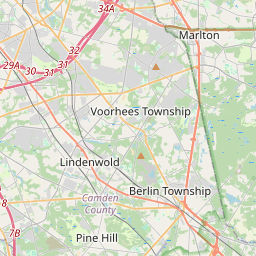
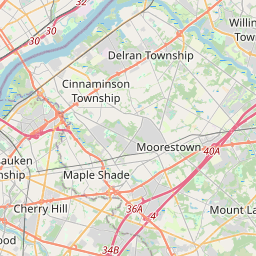
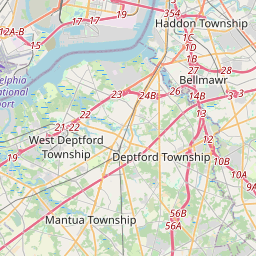
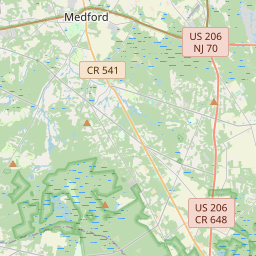
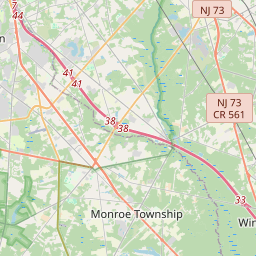
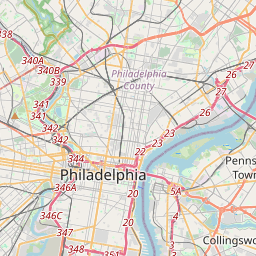
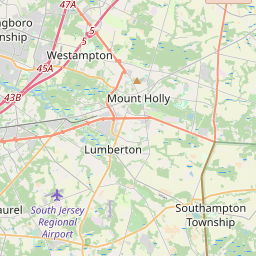
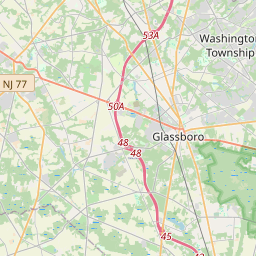
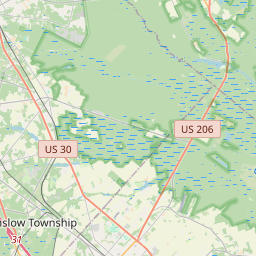

You are here
1 Location
Double Your SNAP Benefits — Instructions
Understanding Location Types
Different colored markers on the map represent different types of food assistance locations.
- M - Farmers Market
- F - Food Pantry
- S - Soup Kitchen
Navigating the Map
- Drag the map to pan and explore different areas
- Tap the Zip code button to enter your zip code and search your area
- Tap any of the filters at the top to show only locations that match that filter
- Tap any marker to see location details (hours, phone, address)
- On the details page you can select the location and it will pin to the top of the list
- Use "Re-center Map" button to return to the original location
How the List Works
- Tap a location in the list to highlight it on the map
- Tap the Star icon (☆) = Add to your pinned list
- Filled star (★) = Already on your list
- Pinned locations stay at the top of the list
Take Your List With You
Once you've added locations to your list, you can send it to your phone in two ways:
- Email List - Enter your email to receive a link with all your saved locations
- QR Code - Scan the QR code with your phone to view your list instantly
Check Before Visiting
- Please call to confirm hours before visiting, as times are subject to change